Dubbing and fan edits
Take the dialogue out of a scene and keep its music and room tone, then record your own lines or a translation over it. Only do this with footage you are allowed to edit.
Take the talking out of a video and keep everything under it: music, birds, wind, the room. You get the same video back.
No sign-up · Your video stays on your device; only the sound is processed
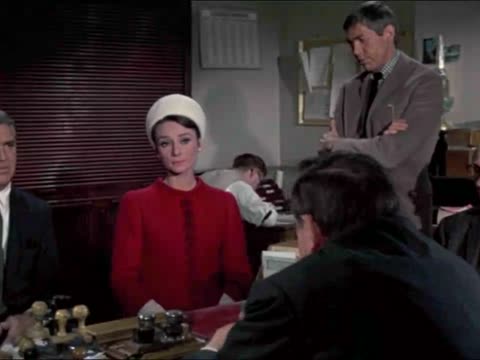
Twenty-four seconds of Charade (1963): two people buying ice cream by the Seine, talking over the film's music and the sound of the riverside. We removed the voices once and left the result as it came out. The music and background in the result play at the level they had under the dialogue; nothing was turned up to fill the gap.
Scene from Charade (1963, directed by Stanley Donen), in the public domain in the United States; from Wikimedia Commons. The volume of all three tracks was raised by the same amount.
"Music only" is selected for you when the result is ready. 1 free video a day up to 10 minutes (+1 the day you sign up), no watermark. Formats and limits: see the voice isolator page.
Three ways to get rid of talking in a video, and what each one costs you.
Silent picture. You rebuild the whole soundtrack yourself.
Everything gets quieter together. The talking is still there.
Only the talking is lifted out. Music and room sound keep playing under the picture.
| Mute the clip | Turn the volume down | Remove the voice | |
|---|---|---|---|
| The voice | Gone | Quieter, still there | Gone |
| Music | Gone | Quieter too | Kept at full level |
| Natural sound | Gone | Quieter too | Mostly kept |
| Good for | Clips that will get a new soundtrack anyway | Nothing, if the goal is no talking | Reusing footage, dubbing, a new voice-over |
The scene at the top is quiet. This one, twenty seconds from later in Charade, has a man talking almost without a pause over the score. Same engine, one run, nothing picked.
Charade (1963) is in the public domain in the United States. All three tracks were raised by the same amount.
When the result is ready, keep "Music only" selected and press Save video. If your editor prefers separate tracks, save the music track as WAV instead.
Import the saved video into CapCut, iMovie, Premiere or DaVinci Resolve. The picture and timing are unchanged, so it lines up with any cuts you already planned.
Add your new narration or dubbed line on its own track. Keep the background quieter than your voice, and lower it a little more while you speak so the words stay clear.
Take the dialogue out of a scene and keep its music and room tone, then record your own lines or a translation over it. Only do this with footage you are allowed to edit.
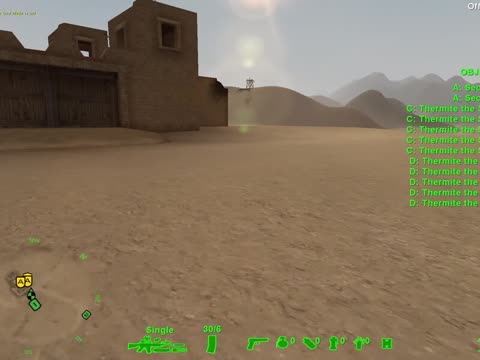
Recorded a session with your mic on? Remove your voice and teammates' chatter and keep the game sound for a montage or a clean replay.
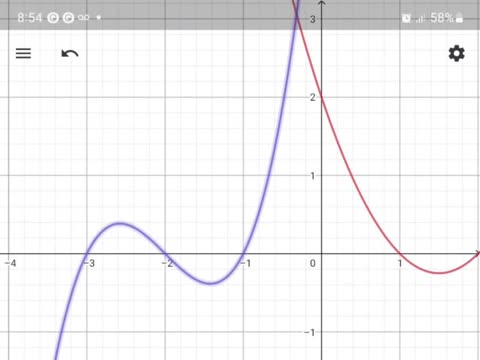
Strip the original narration from a screen recording, keep the clicks and app sounds, and record the explanation again in the language your viewers speak.
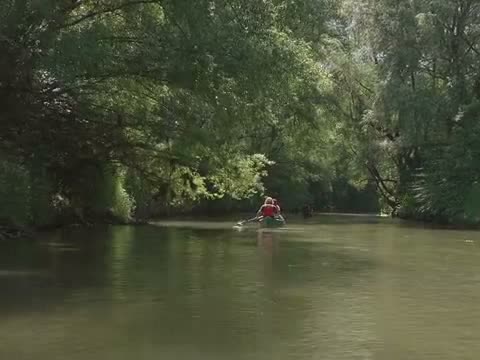
Someone talked through your best shot. Remove the voice and keep the water, birds and wind, so the clip works as background footage.
Stills: Charade (1963, public domain in the US); "America's Army" gameplay by Battlesnake1 (public domain); "GeoGebra tutorial", Rodrigo.morales.pe (CC0); canoe footage from Pexels.
Harmonies are voices, so they usually go with the lead. For a song, what is left is the instrumental.
Short human sounds that sit close to speech can be taken out with it. The rest of the crowd usually stays.
All voices are removed together. You can't keep one person and remove another here.
Need the opposite, the voice with the music gone? Remove background music from a video.
Yes, for videos up to 10 minutes: 1 a day without an account, plus 1 more on the day you sign up. Saved videos have no watermark.
It works as a vocal remover from video files as well as songs. A song-only tool hands you an audio file. Here the result goes back onto your picture, so you can remove vocals from video and keep the same clip.
No. The music and background keep playing; only the voice is taken out. Where the voice was very loud, you may hear a faint trace of it.
Usually not. Birdsong, traffic and room sound normally stay in the "Music only" track. Sounds that are very close to a human voice, like some parrots or a dog's whine, can be partly removed.
Yes. Save the video, or save the music track as WAV, and record your new voice over it in any video editor.
Free files can be up to 10 minutes. With file credits you can upload videos up to 60 minutes; one credit covers up to 10 minutes of video.
Save what you need within a day of the result being ready. After that the download link stops working, and the uploaded sound and both tracks are wiped within 48 hours.
Not affiliated with ElevenLabs or any other voice isolator product.